John Martinez shows us how implementing a Joiners Movers Leavers process with StrongDM and Okta is simple and straightforward. StrongDM's SCIM integration allows you to easily onboard and offboard user access to your critical resources while maintaining your critical business processes.
Implementing a Joiners, Movers, and Leavers process with StrongDM and Okta is simple and straightforward.
Ensure that Okta is configured as your SSO provider.
Under Settings> User Management, go to Principal's Roles and find the appropriate role.
Click on Access Rules to see what infrastructure is assigned to the role.
Go to the Okta Management Console and find the corresponding group.
Under Directory groups, click on Assign people, find the user and add them to the group.
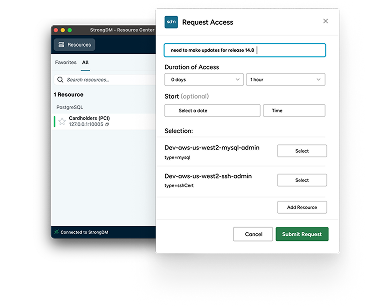
The assigned resources are now visible on the StrongDM desktop.
Removing users is as simple as removing them from the group.
Strong DM makes it easy and secure to grant access to critical infrastructure.